
Signature Element
The Signature element is used to allow users to provide their digital signature. Signature elements can be used in both Forms and Cards. They represent a widget combining a name and signature that is authentically preserved in a ledger to prevent fraud. The element is designed to accommodate a variety of device types and screen sizes, and any specific device requirements are clearly communicated. You can also add options to customize the appearance of the element, such as changing the color or thickness of the signature stroke.
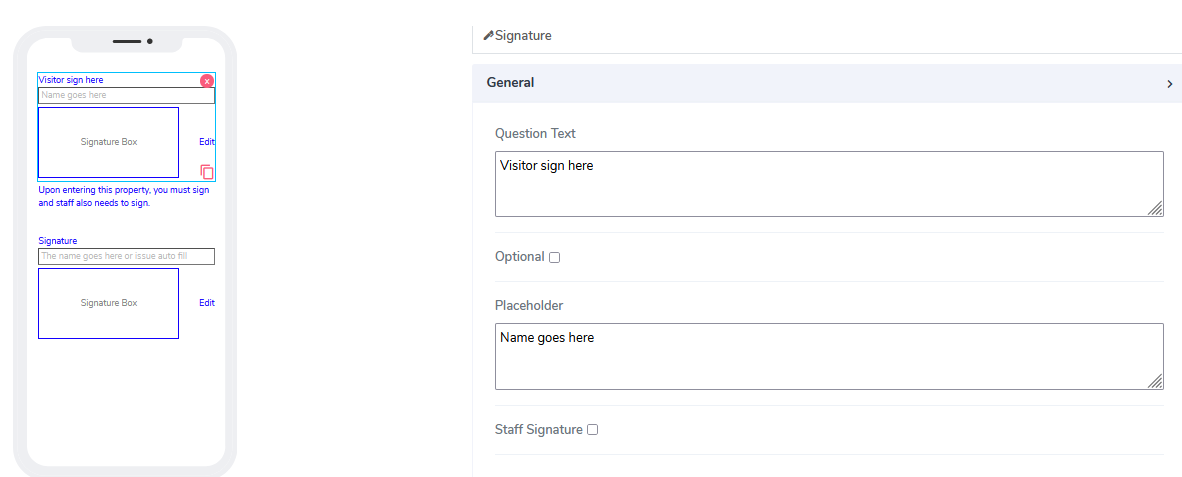
The signature element comes with the following attributes:
Question Text: A freestyle, multiline text field that is read-only. This text indicates to the end-user what information they need to add as input.
Optional: An option to indicate if this element is mandatory to be filled in at run time. By default, this is not selected and therefore the element is mandatory.
Placeholder: A field used to specify an expected value in the input box. If empty, nothing will be displayed. By default, the value of Placeholder is assigned.
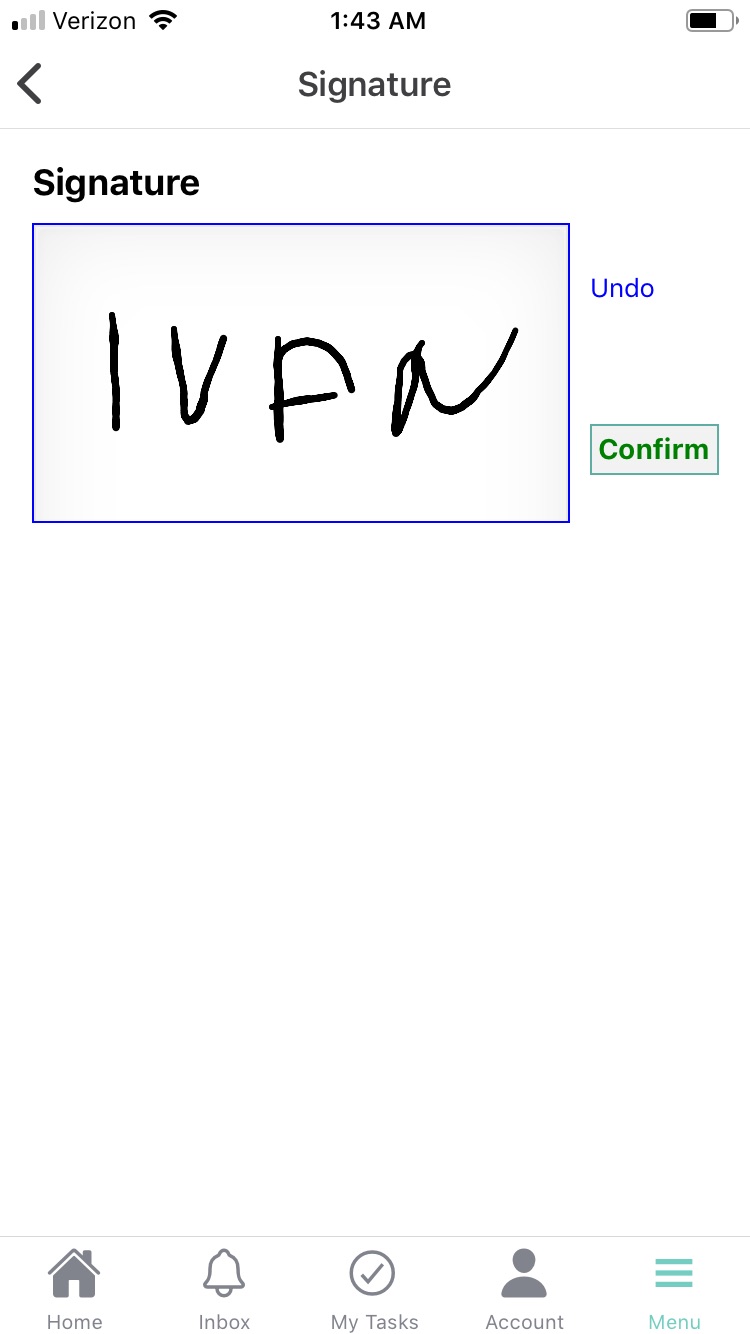
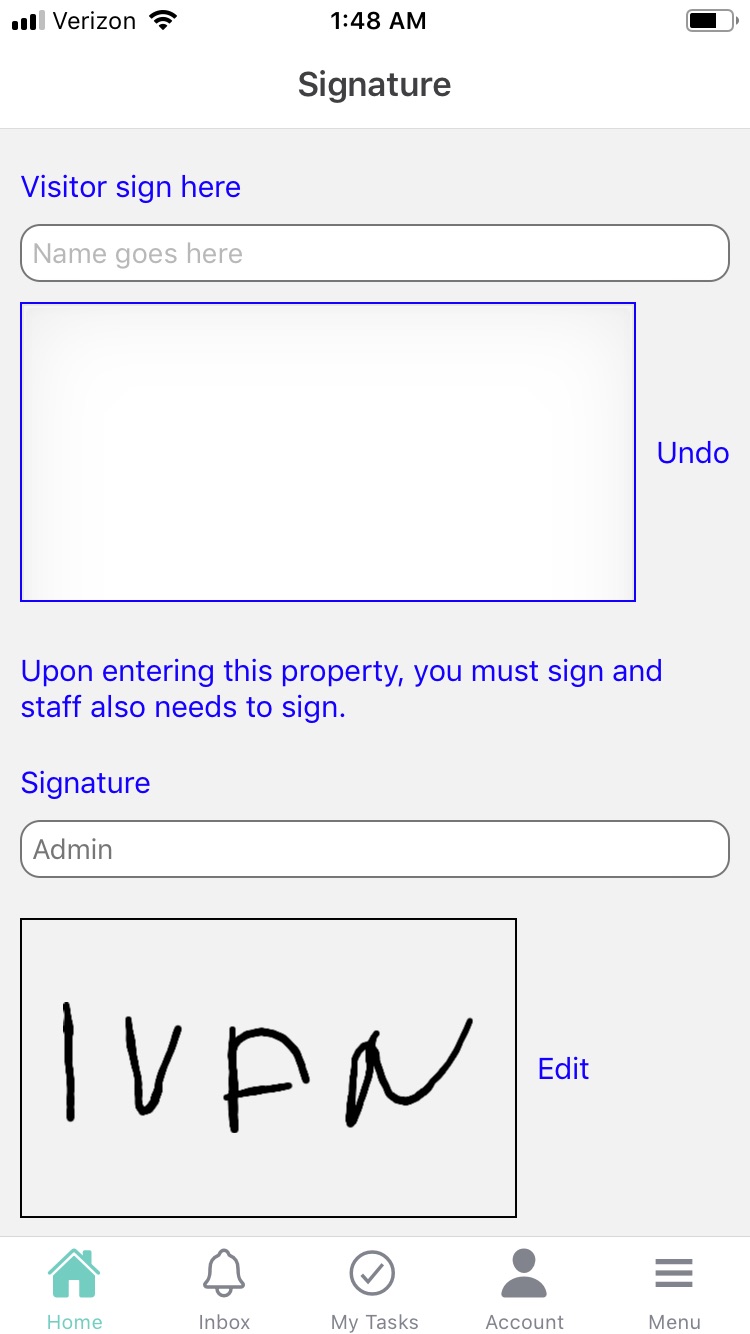
Staff Signature: Staff users can preload their signatures so that they already appear on the app screen.
To do this, go to Menu -> Settings -> Signature -> sign your signature here. Click the Confirm button."
When using Signature elements in Acenji, keep these tips in mind:
To sign the form or document using the signature element, simply click or tap on the designated area to activate the signature feature. Then, use your finger or a stylus to draw your signature. Make sure it matches the example or desired signature provided.
After capturing your signature, you may be given the option to preview or edit it before submitting. This can help you catch any errors and improve your overall experience.
Questions?
If you have any questions, please don't hesitate to contact us.
Alternatively, you can submit an issue on this platform.
Useful Links:
Using the Camera Element - https://help.acenji.com/#/./elements/camera/index
What is the Card List Element? - https://help.acenji.com/#/./elements/card-list/index
Learn about the Modal Form Element - https://help.acenji.com/#/./elements/modal-form/index