
Pinned Panel Element
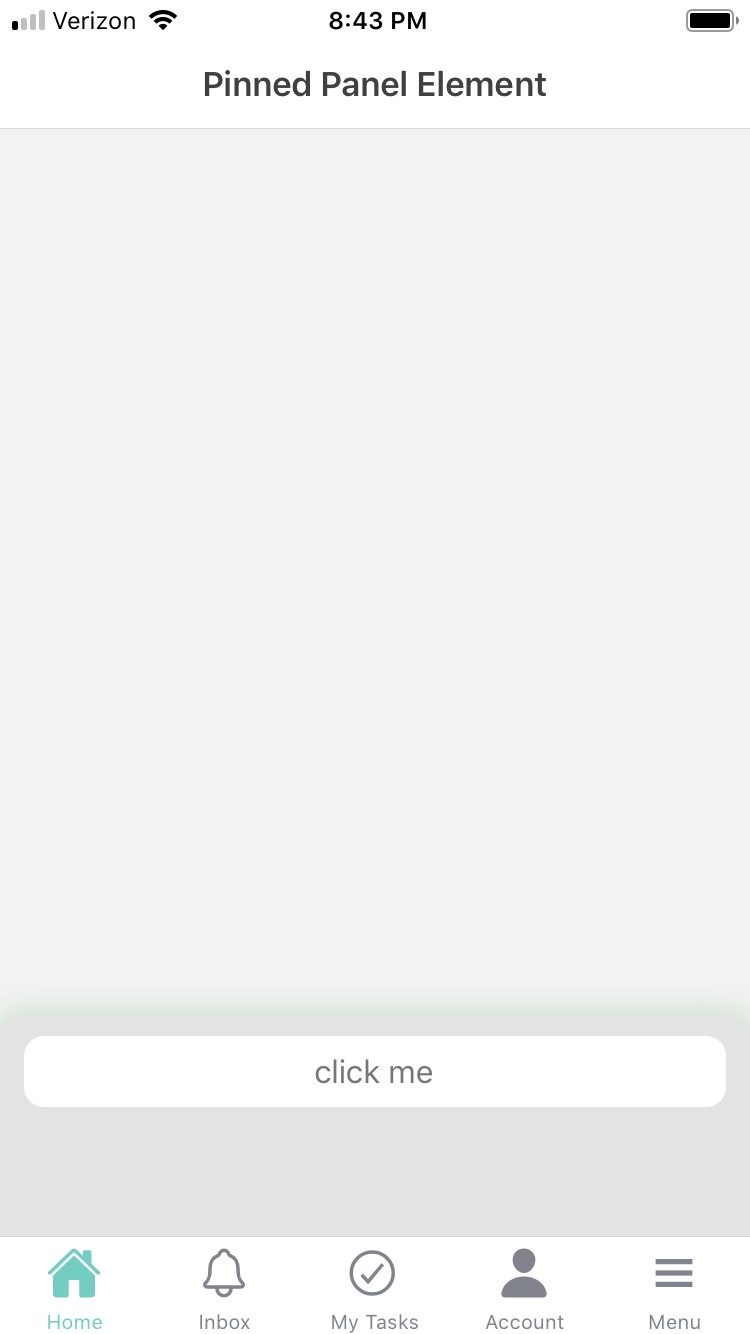
A pinned panel is a user interface element that is fixed in position on a web page or application, typically located at the top, bottom, or sides of the screen. Pinned Panel elements can only be used within Cards. The idea behind it is very simple: it creates an area that is anchored to the bottom of the canvas and accepts new elements within it. It is often used to provide quick access to important information, navigation options, or other frequently used features.
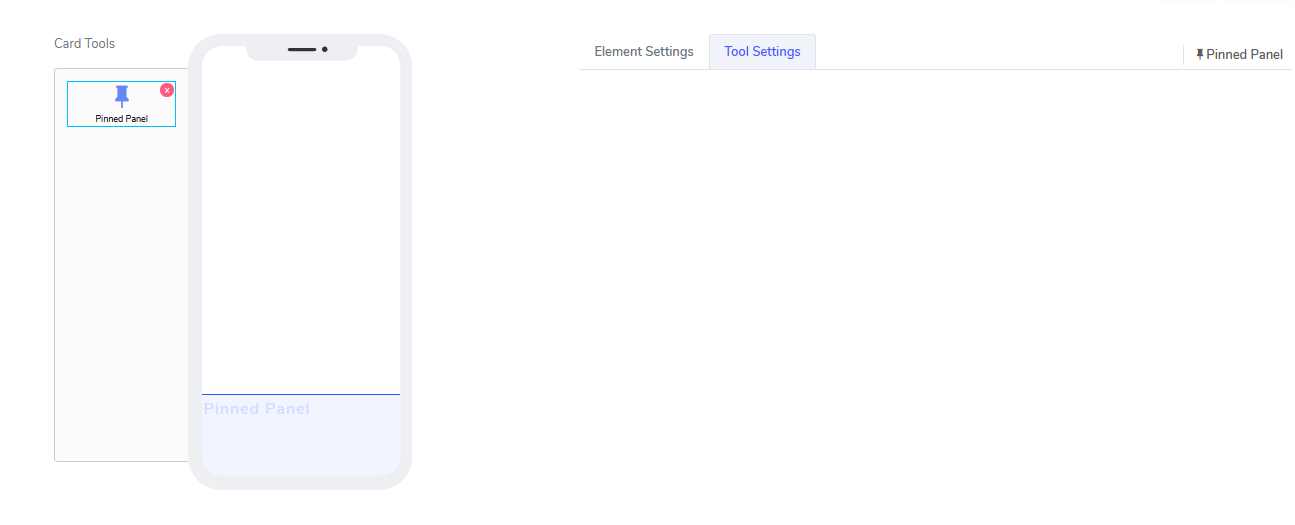
It comes with the following attribute:
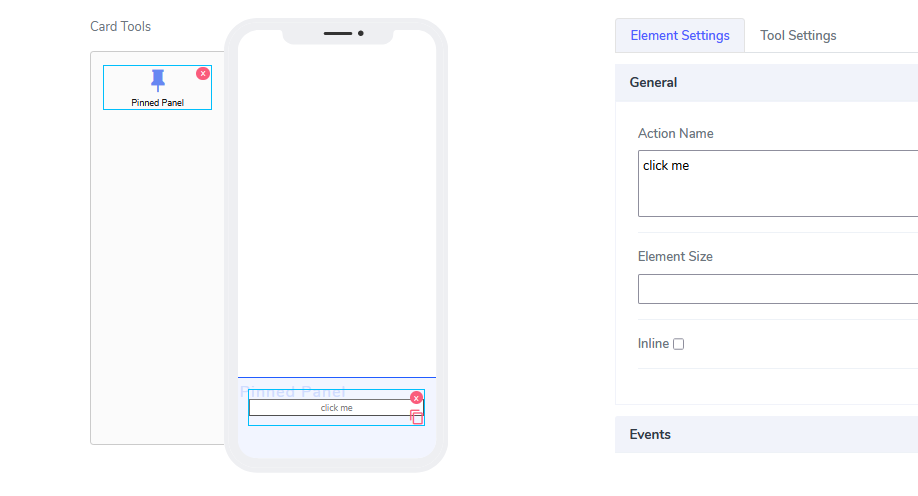
TThe element does not have any visible attributes. All functionality is hidden and works out of the box. An example use case is to drop a button within the Pinned Panel.
Since this element is invisible, the only elements on the canvas will be those inside the Pinned Panel.
Questions?
If you have any questions, please don't hesitate to contact us.
Alternatively, you can submit an issue on this platform.
Useful Links:
Using the Slider Element - https://help.acenji.com/#/./elements/slider/index
Using the Signature Element - https://help.acenji.com/#/./elements/signature/index
Learn about the Rich Editor Element - https://help.acenji.com/#/./elements/rich-editor/index