
Modal Form Element
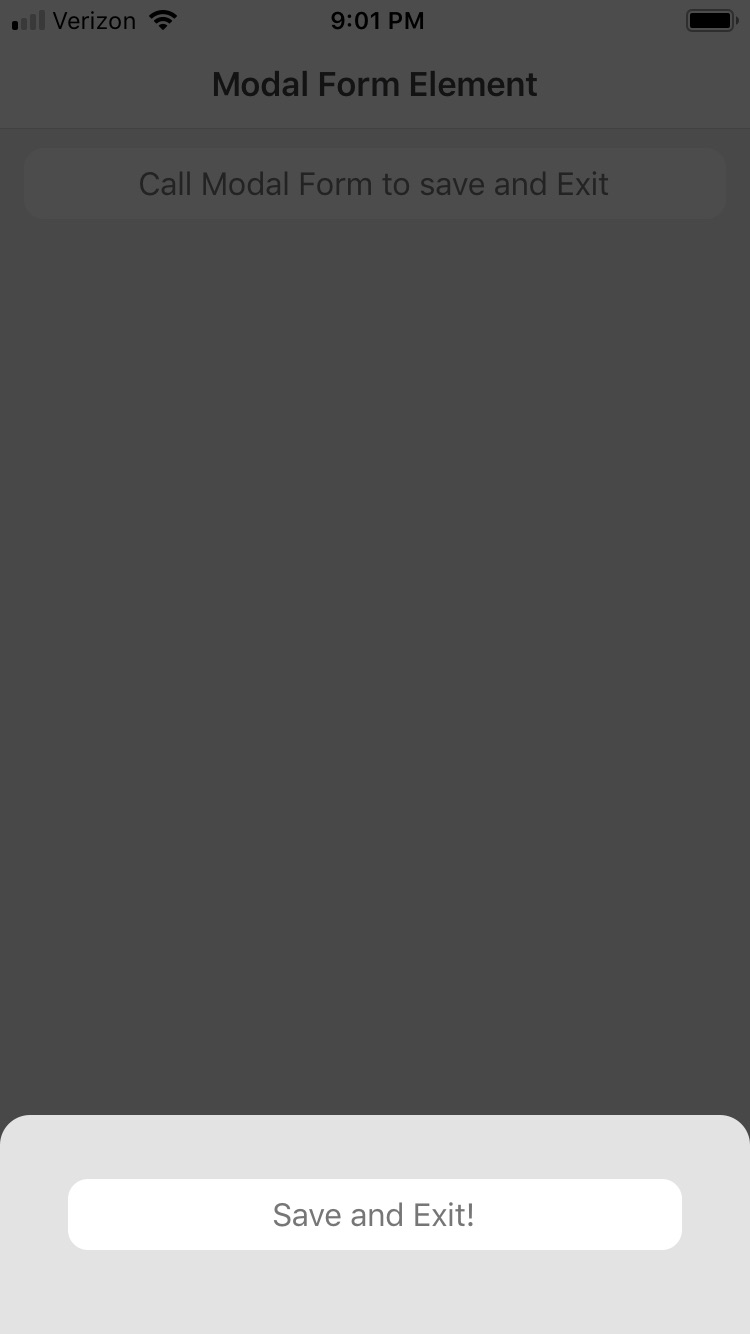
A modal form is a type of user interface element that appears as a pop-up window or dialog box on top of the main application or web page. Modal Form elements can only be used in Cards. In cards, their role is simple: to act as a container for a modal "window" that opens on top of the existing canvas. It is typically used to present a form or prompt that requires user input, such as filling out a survey, providing login credentials, or confirming a decision. Another example of this could be opening a window that asks the user whether to save changes or not.
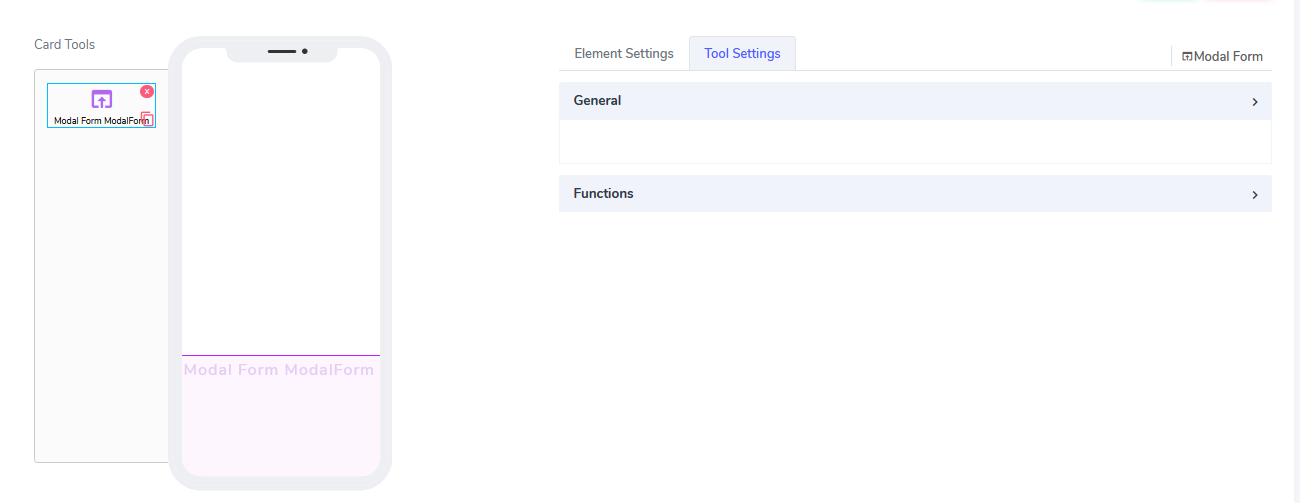
The Modal Form element has the following attributes:
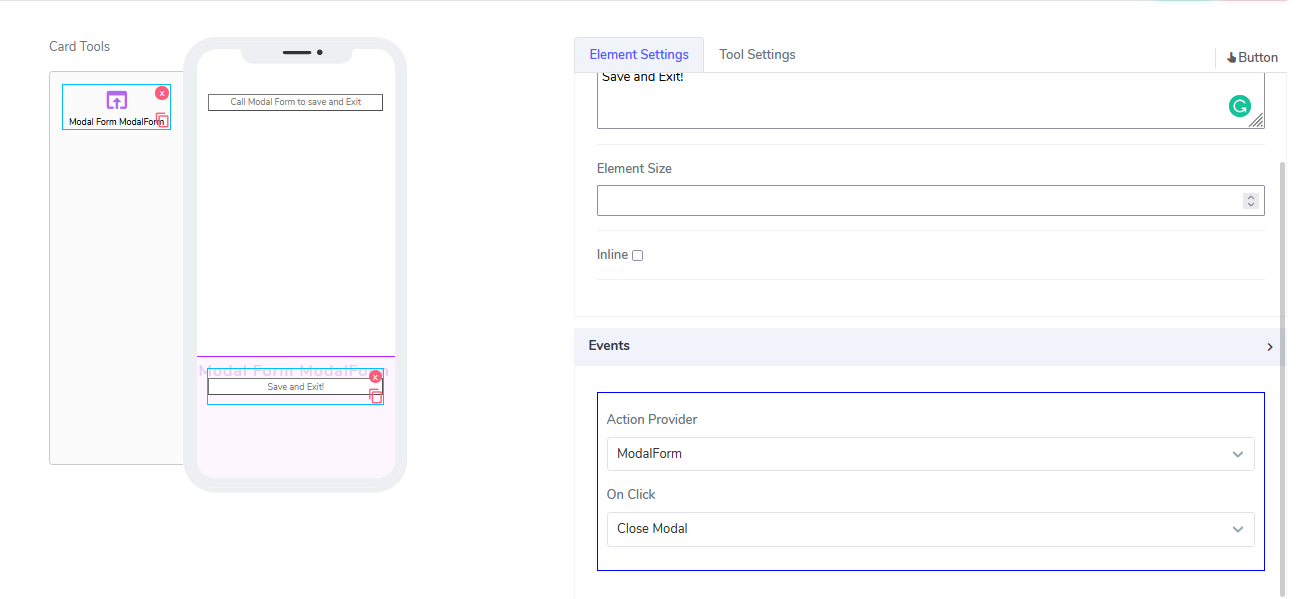
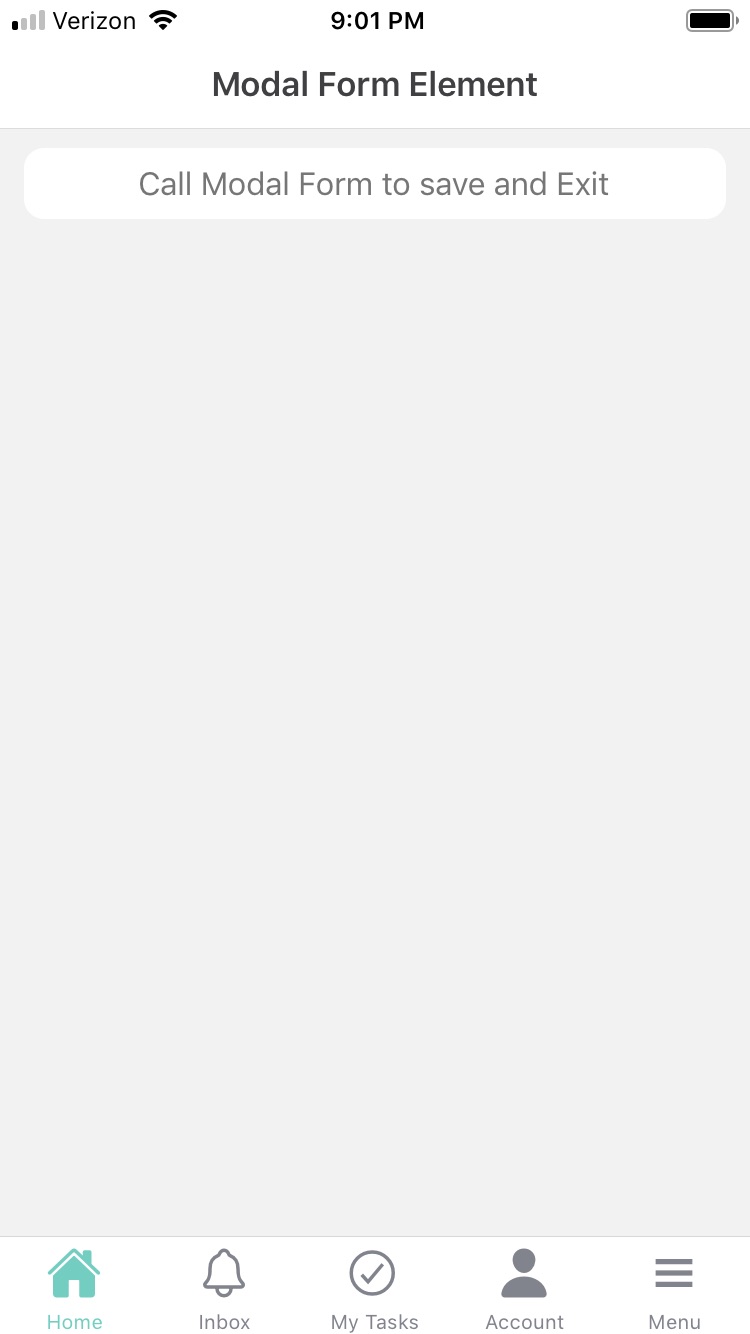
- Action Provider: This attribute is not visible at the element level but at the element that invokes the modal form. For example, if we drop a button inside the canvas and select "Modal Form" as the Action Provider under Events, we can specify that the modal form opens when the button is clicked. Inside the modal form, we could have another element that allows us to perform some action, such as adding a "Save and Exit" button."
When using modal form elements in Acenji, keep these tips in mind:
When using a modal form, it's important to keep things simple and focused. Only include the fields and options that are necessary to complete the task.
Clear and concise labels and instructions should guide you through the process, so you understand what is required of you and what you can expect.
If you change your mind, it should be easy to exit the form or cancel the process with a clear "Cancel" or "Close" button, or by clicking outside of the form.
Questions?
If you have any questions, please don't hesitate to contact us.
Alternatively, you can submit an issue on this platform.
Useful Links:
Using the Slider Element - https://help.acenji.com/#/./elements/slider/index
Using the Signature Element - https://help.acenji.com/#/./elements/signature/index
Learn about the Rich Editor Element - https://help.acenji.com/#/./elements/rich-editor/index