
GPS Element
The GPS element is used to allow users to capture location data using their device's GPS capabilities. GPS elements can be used for both Forms and Cards. The element is designed to accommodate a variety of device types and GPS accuracy levels, and any specific device requirements are clearly communicated. You can also add options to customize the appearance of the element, such as changing the size or color of the GPS indicator.
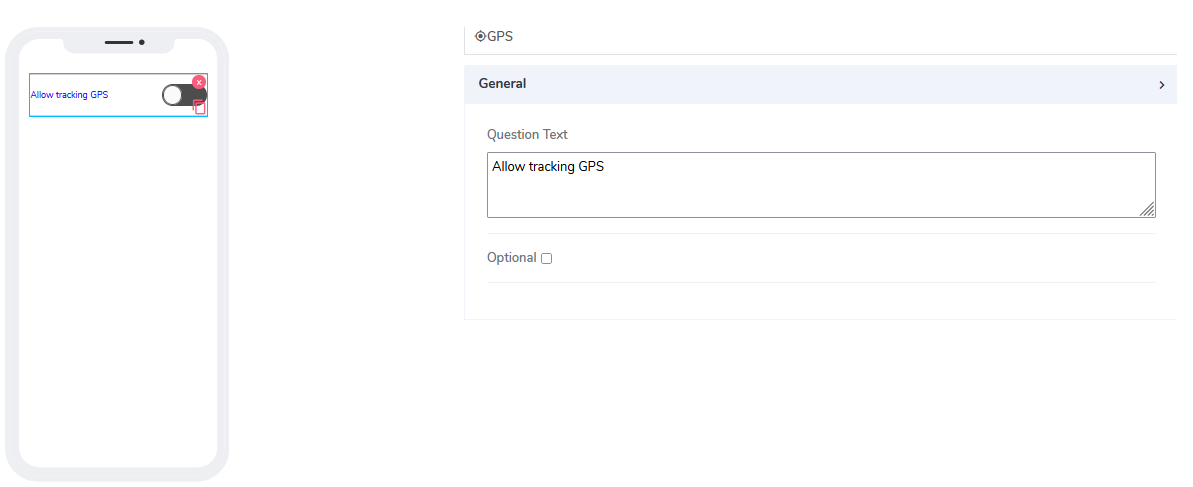
It comes with the following attributes:
Question Text: Freestyle, multiline text. The text field is read-only. The text indicates to the end-user what action will follow if they press the button.
Optional: Indicates if this element is mandatory to be filled in at run time. By default, this is not selected and therefore the element is optional.
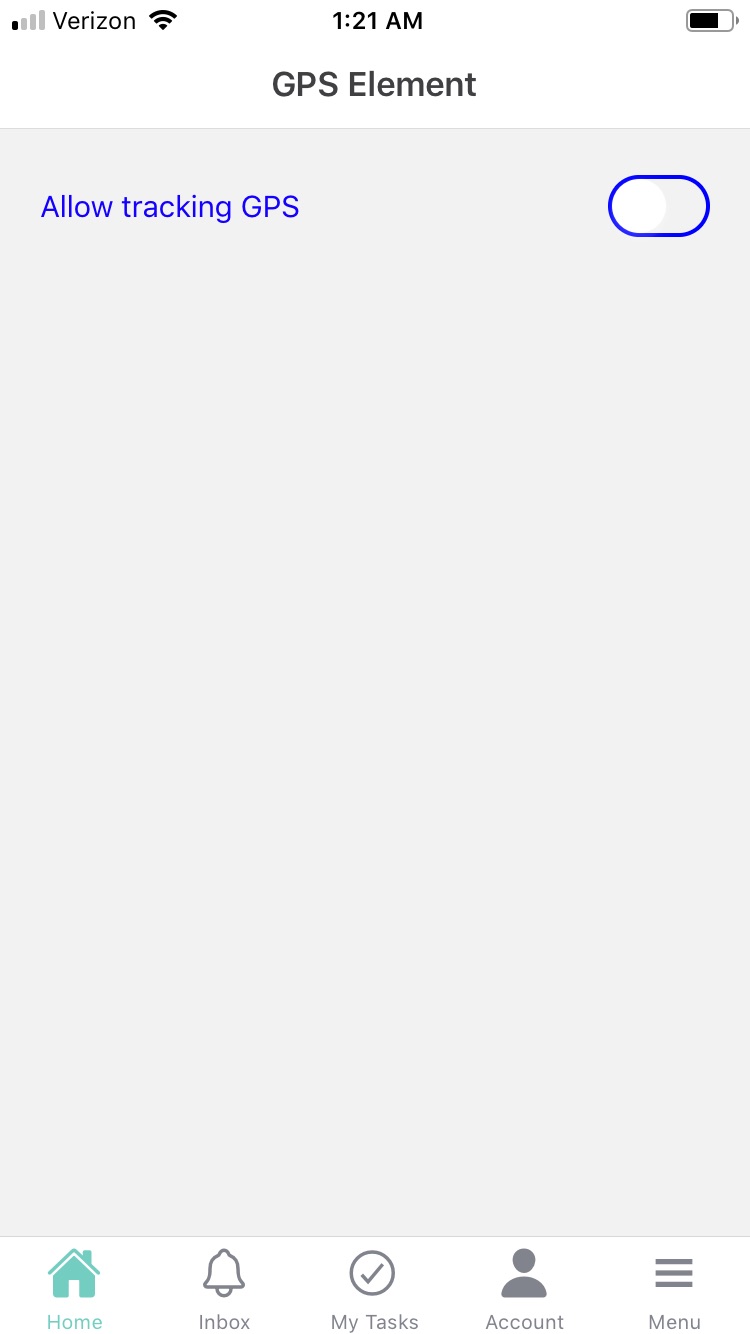
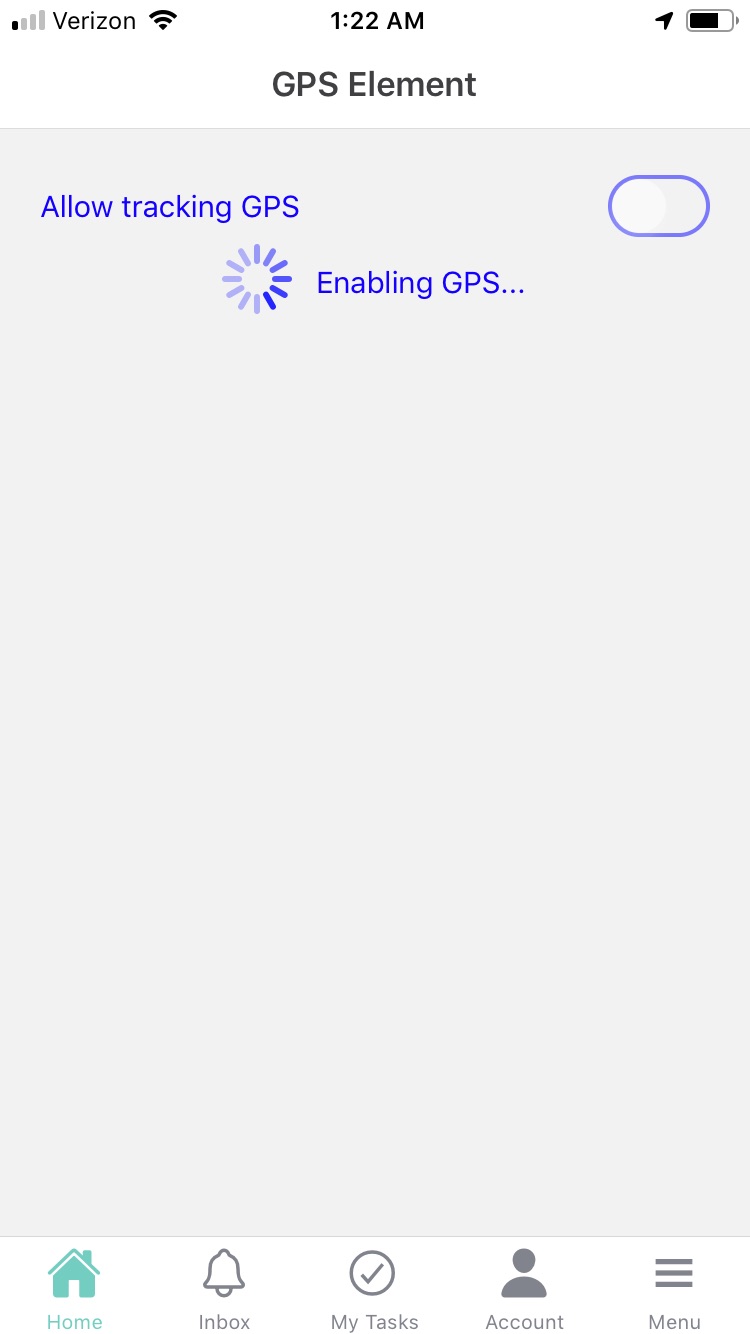
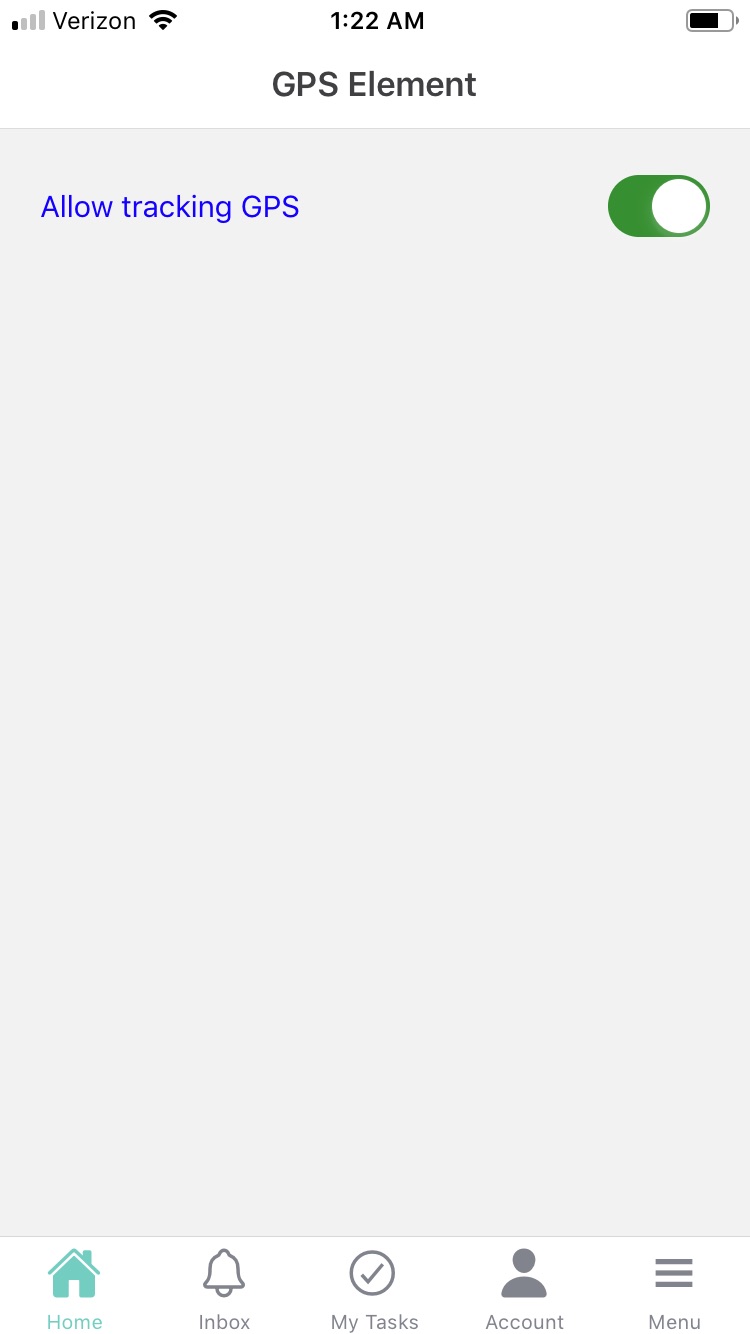
When using GPS elements in Acenji, keep these tips in mind:
To use the GPS element, please follow the instructions provided to enable location services on your device. Make sure to adjust any necessary settings to ensure the best possible accuracy when capturing your location data.
Please be aware that we take your privacy and data security seriously, and will only collect and share your location data in accordance with our policies. If you have any concerns, please review our privacy policy or contact us for more information. You may also have the option to opt out of data collection or request deletion of your data if desired.
Questions?
If you have any questions, please don't hesitate to contact us.
Alternatively, you can submit an issue on this platform.
Useful Links:
Using the Camera Element - https://help.acenji.com/#/./elements/camera/index
What is the Card List Element? - https://help.acenji.com/#/./elements/card-list/index
Learn about the Modal Form Element - https://help.acenji.com/#/./elements/modal-form/index